
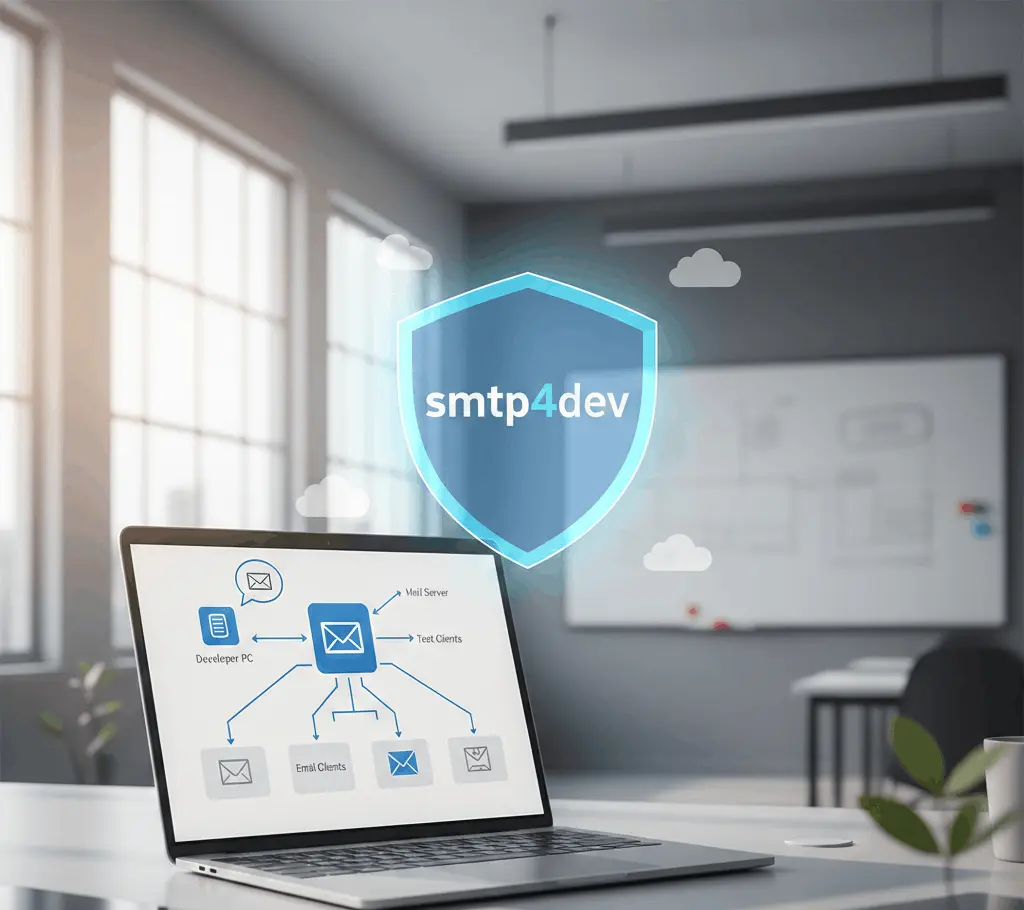
smtp4dev is a powerful and lightweight SMTP server designed specifically for developers who need a reliable environment to test email functionality. Unlike traditional email services, smtp4dev allows you to capture, inspect, and debug emails locally without sending them to real recipients. This ensures your development and testing process is both safe and efficient, eliminating the risk of accidentally spamming users during testing phases.
Using smtp4dev simplifies complex email workflows by providing an intuitive interface to view email headers, content, and attachments instantly. Its ease of setup, cross-platform compatibility, and robust debugging tools make it an essential solution for developers aiming for accurate and error-free email testing.
Free and Open Source
What Does “Free and Open Source” Mean?
The term Free and Open Source refers to software that can be freely used, modified, and shared by anyone. It emphasizes transparency, collaboration, and accessibility, allowing users to control how the software works and contribute to its development.
Free Software
- No Cost: Free software can be downloaded and used without paying a fee.
- Freedom to Use: Users can run the software for any purpose without restrictions.
- Freedom to Share: Users can distribute copies to others, helping communities benefit from the software.
Open Source Software
- Access to Source Code: Open source software provides the actual code that makes the program work.
- Modify and Improve: Users can make changes to fix issues, add features, or customize it for their needs.
- Collaborative Development: Developers around the world can contribute, improving software quality and security.
Benefits of Free and Open Source Software
- Cost-Effective: No licensing fees make it affordable for individuals and organizations.
- Transparency: Users can inspect the code for security, privacy, or quality concerns.
- Flexibility: Software can be customized to fit unique needs.
- Community Support: A large community often provides documentation, forums, and updates.
- Innovation: Collaborative contributions lead to rapid development and improvements.
Examples
Popular examples of free and open source software include Linux (operating system), LibreOffice (office suite), and Firefox (web browser).
Easy Installation
Introduction
Easy installation refers to a process that allows software, hardware, or applications to be set up quickly and without complications. The goal is to make it accessible for users of all technical levels.
Pre-Installation Requirements
Before starting the installation, ensure that your system meets the minimum requirements. This may include operating system compatibility, available storage, and necessary permissions.
Step-by-Step Guidance
An easy installation process typically provides a step-by-step guide that is clear and simple to follow. Instructions are often presented in a logical sequence to avoid confusion.
Minimal User Input
Good installation processes require minimal manual input. This means fewer decisions and forms to fill out, making the setup process faster and less error-prone.
Automated Processes
Many easy installation systems include automated components, such as auto-detecting system settings, pre-configuring defaults, or automatically downloading necessary files.
Visual Feedback
Easy installation often provides progress indicators or confirmation messages, so users know exactly what stage the process is at and when it is complete.
Troubleshooting Support
Even simple installations may encounter issues. Easy installation guides include tips, FAQs, or support links to help users resolve common problems quickly.
Local Email Testing
Local email testing is the process of testing email functionality in a development environment without sending real emails to actual users. It ensures that email features in applications work correctly while preventing accidental emails from reaching customers during development.
Purpose of Local Email Testing
The main goal of local email testing is to safely verify email sending, formatting, and content before deploying to a live environment. It helps developers catch issues early without affecting real users.
How It Works
Local email testing typically involves using a local SMTP server or an email testing tool. These tools capture outgoing emails from your application and display them in a test environment for inspection.
Benefits
- Safety: Prevents test emails from reaching real inboxes.
- Faster Development: Developers can immediately check emails without waiting for external servers.
- Debugging: Allows checking for formatting, attachments, and links before production.
- Cost-effective: Reduces the need to send actual emails during development.
Common Tools
Local email testing is often done using tools like:
- SMTP4Dev
- MailHog
- Mailtrap
These tools simulate email delivery and provide a dashboard to view sent emails.
Best Practices
- Always test emails locally before deploying.
- Verify all links, attachments, and dynamic content.
- Use realistic but dummy data to mimic production scenarios.
- Keep test emails separate from real production emails.
Limitations
- Local testing may not perfectly replicate real-world email delivery issues.
- Certain features like spam filters, DMARC, or DKIM checks are not testable locally.
Supports Multiple Protocols
Understanding “Supports Multiple Protocols”
When a system, application, or device supports multiple protocols, it means it can communicate using different standardized methods for data transfer or communication. Protocols define the rules for how information is transmitted and received across networks or systems. Supporting multiple protocols enhances flexibility and compatibility.
Importance of Supporting Multiple Protocols
- Increased Compatibility
- Devices or applications that support multiple protocols can interact with a wider range of systems, networks, or devices without requiring additional modifications.
- Better Interoperability
- It allows different systems and software, often from different manufacturers, to work together seamlessly.
- Future-Proofing
- Supporting multiple protocols ensures that the system remains compatible with emerging standards and technologies over time.
Common Protocols Supported
Depending on the context (networking, email, file transfer, etc.), multiple protocols may include:
- HTTP/HTTPS – for web communication
- FTP/SFTP – for file transfer
- SMTP/IMAP/POP3 – for email services
- TCP/IP and UDP – for general network communication
Benefits for Users
- Flexibility: Users can choose the protocol that best suits their needs.
- Reliability: If one protocol fails, another can be used as a fallback.
- Efficiency: Optimizes communication based on network conditions or application requirements.
Real-Time Email Preview
What is Real-Time Email Preview?
Real-Time Email Preview is a feature that allows users to see exactly how an email will appear to recipients as it is being composed. Instead of waiting until sending or testing, you can instantly view the layout, design, and content changes. This helps ensure that emails look professional and consistent across different devices and email clients.
How It Works
- Instant Rendering: As you type or modify content, the email preview updates immediately.
- Dynamic Updates: Changes to images, text formatting, links, or styling are reflected in real-time.
- Multiple View Modes: Some tools allow switching between desktop, mobile, and tablet views to check responsiveness instantly.
Key Benefits
- Error Reduction: Catch typos, broken links, or formatting mistakes before sending.
- Design Accuracy: Ensure the email layout matches your brand’s visual style.
- Time Efficiency: Eliminates the need for repeated test emails, saving time.
- Better User Experience: Previewing emails in real-time helps ensure recipients see emails exactly as intended.
- Use Cases
- Marketing Campaigns: Ensures promotional emails appear correctly across devices.
- Transactional Emails: Confirms that order confirmations, notifications, or alerts maintain proper formatting.
- Team Collaboration: Allows designers and marketers to review emails immediately during creation.
Why It Matters
Real-Time Email Preview is essential in modern email workflows because it minimizes mistakes, improves design accuracy, and speeds up the content approval process. For businesses, it ensures a polished, professional appearance in every email sent.
Debugging Made Simple
Introduction to Debugging
Debugging is the process of identifying, analyzing, and fixing errors or issues in software or systems. It is a critical skill for developers, testers, and IT professionals, as it ensures that programs run smoothly and perform as intended.
Why Debugging is Important
- Ensures Reliability: Helps software function correctly without crashes or unexpected behavior.
- Saves Time: Detecting and fixing errors early reduces long-term maintenance costs.
- Improves Performance: Identifying inefficient code or logic improves overall system efficiency.
Common Types of Bugs
- Syntax Errors: Mistakes in the code structure that prevent execution.
- Logical Errors: Code runs but produces incorrect results.
- Runtime Errors: Errors that occur while the program is running, often due to unexpected input or conditions.
Steps to Debug Effectively
- Identify the Problem: Understand the symptoms and gather information about the error.
- Reproduce the Issue: Consistently recreate the problem to observe its behavior.
- Analyze the Cause: Trace the issue to its source using observations and logical reasoning.
- Implement a Fix: Apply a solution to correct the problem.
- Test Thoroughly: Verify that the fix works and does not introduce new issues.
Tools to Simplify Debugging
- Integrated Debuggers: Many development environments provide step-by-step execution and variable inspection.
- Logging Tools: Record program behavior to track down errors.
- Automated Testing: Detect issues early through systematic testing frameworks.
Best Practices for Debugging
- Stay organized and document your findings.
- Avoid assumptions; verify each step logically.
- Break down complex problems into smaller, manageable parts.
- Learn from past mistakes to prevent recurring issues.
Attachment Testing
Attachment testing is the process of verifying that file attachments in an application work correctly. It ensures that users can upload, download, view, or share files without errors. This is particularly important for applications like email clients, content management systems, and file-sharing platforms.
Purpose of Attachment Testing
The main purpose is to validate that attachments function as intended and do not cause issues such as file corruption, incorrect formats, or security vulnerabilities. It ensures a smooth user experience and data integrity.
Types of Attachments
Attachments can include different types of files, such as:
- Documents (PDF, DOCX, TXT)
- Images (JPEG, PNG, GIF)
- Videos (MP4, AVI)
- Compressed files (ZIP, RAR)
Key Areas to Test
When performing attachment testing, testers focus on several key areas:
- Upload Functionality: Ensuring files can be uploaded without errors.
- Download Functionality: Verifying users can download attachments properly.
- File Integrity: Confirming that the file content remains unchanged after upload and download.
- File Size Limits: Testing attachment size restrictions and handling of large files.
- File Type Restrictions: Ensuring only allowed file types are accepted.
- Security Checks: Validating that attachments do not carry malware or malicious scripts.
Common Testing Scenarios
Some common scenarios in attachment testing include:
- Uploading multiple files at once.
- Uploading unsupported file formats.
- Downloading large attachments.
- Checking if corrupted files are detected.
- Ensuring file previews (if supported) display correctly.
Benefits of Attachment Testing
- Ensures reliability of file handling features.
- Protects users from malicious files.
- Improves application usability and user satisfaction.
- Prevents data loss or corruption.
Multiple Account Support
What is Multiple Account Support?
Multiple Account Support refers to the ability of an application or platform to allow a single user to manage and access more than one account simultaneously. This feature is especially useful for people who use different accounts for personal, professional, or organizational purposes.
Key Features of Multiple Account Support
Seamless Account Switching
Users can switch between accounts without the need to log out and log back in repeatedly. This improves efficiency and saves time.
Separate Data for Each Account
Each account maintains its own data, settings, and preferences, ensuring that information does not get mixed between accounts.
Notifications Management
Users can receive notifications from multiple accounts without conflicts, allowing them to stay updated across all accounts.
Unified Interface
Applications with Multiple Account Support often provide a single interface where all accounts can be accessed and managed conveniently.
Security Measures
Each account may have its own login credentials and security settings, such as two-factor authentication, to protect sensitive data.
Customization Per Account
Users can set unique preferences, themes, and profiles for each account, making each account feel independent.
Efficient Workflow
This feature is particularly beneficial for professionals managing multiple projects, social media managers, or businesses handling multiple client accounts.
Reduced Risk of Errors
Switching accounts without logging out reduces the risk of accidentally posting or sending information from the wrong account.
Common Applications of Multiple Account Support
- Email Clients – Gmail, Outlook, Yahoo Mail
- Social Media Platforms – Instagram, Twitter, Facebook
- Collaboration Tools – Slack, Microsoft Teams
- Online Banking or Finance Apps – Multiple bank accounts in one app
Benefits of Multiple Account Support
- Saves time and reduces login frustration
- Maintains account privacy and separation
- Improves productivity for multitaskers
- Provides flexibility in managing different roles
conclusion
smtp4dev is an essential tool for developers and testers seeking a reliable, local SMTP server for email testing. It simplifies the process of capturing, inspecting, and debugging emails without sending them to real recipients. Lightweight, user-friendly, and free, smtp4dev streamlines development workflows, reduces errors, and accelerates testing. For anyone aiming to ensure email functionality efficiently and safely, smtp4dev is an indispensable solution.